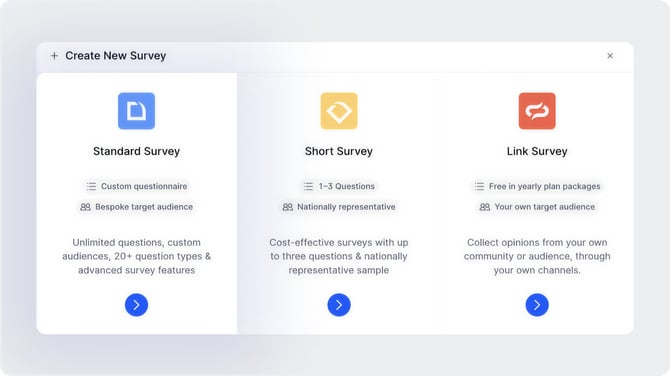
To create a Standard Survey, click "+ Create Survey" from your projects page and select "Standard Survey" from the pop-up window.
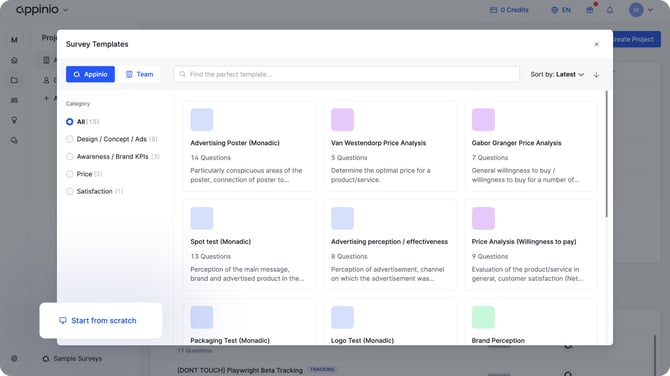
You will then be prompted to either choose a survey template or start from scratch.
Using a template
Templates are pre-built questionnaires designed around common research methods, such as Logo Tests or Brand Perception Studies. To browse templates, select the "Appinio" tab in the top left corner of the template window. If your team has created their own templates, switch to the "Team" tab to access those.
Templates can be filtered by category on the left-hand side. Each template comes with a set of pre-written questions that you can edit to fit your needs. You can also mix and match questions from different templates.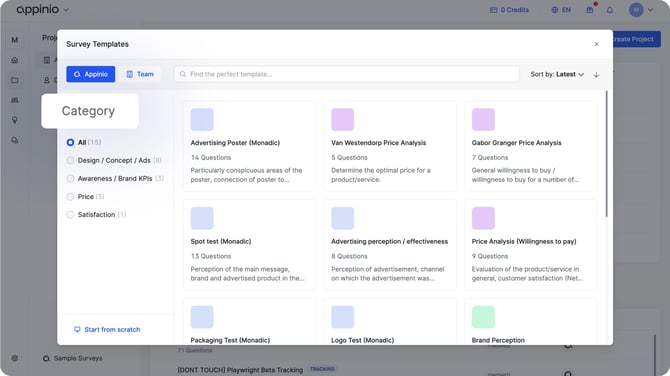
Starting from scratch
Select "Start from scratch" to build your survey without any pre-written questions or prompts.