AI insights for MaxDiff questions in Boards

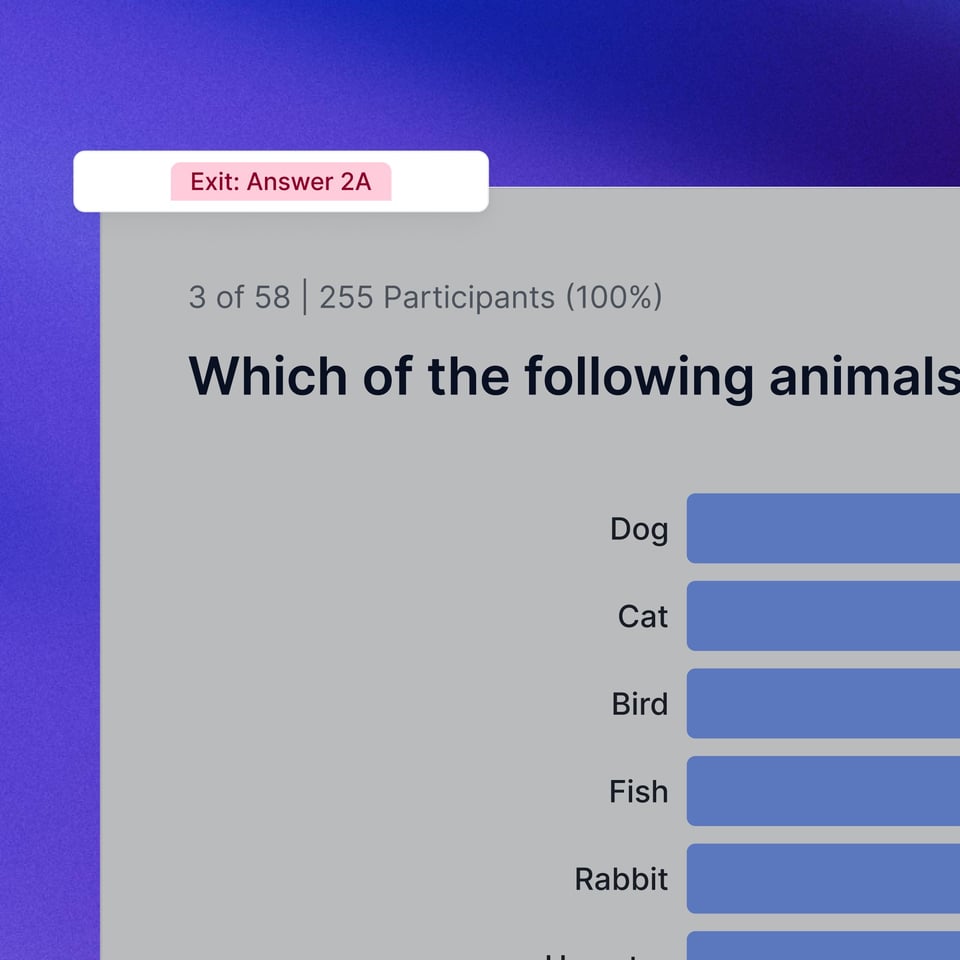
You can now generate automated summaries for MaxDiff questions within Boards. This update allows you to synthesize preference rankings and trade-off data without manual calculation.


Product updates_AI insights for MaxDiff_Product update page_2000x2000

Custom CSV export configurations

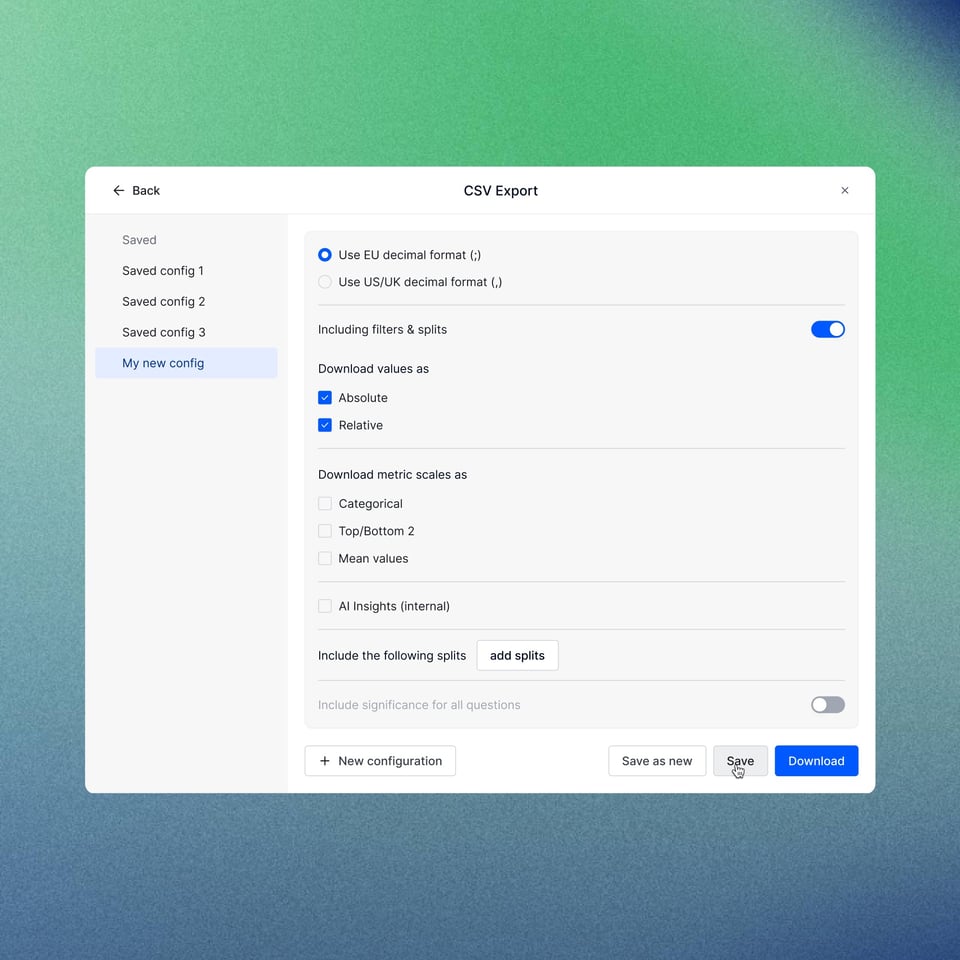
To reduce the time spent on manual data cleaning, you can now save and manage specific CSV export settings. Instead of re-selecting variables for every download, you can create standardized configurations for your project.

  • Save & Reuse: Store up to 30 unique configurations per project.
  • Workspace Collaboration: All team members with edit access can view, duplicate, or modify these configurations, ensuring consistent data outputs across the workspace.
  • Management: Update existing versions or save current selections as new configurations directly from the export modal.
CSV data table export config_Product update page_2000x2000

Clearer project tracking: The Submitted stage

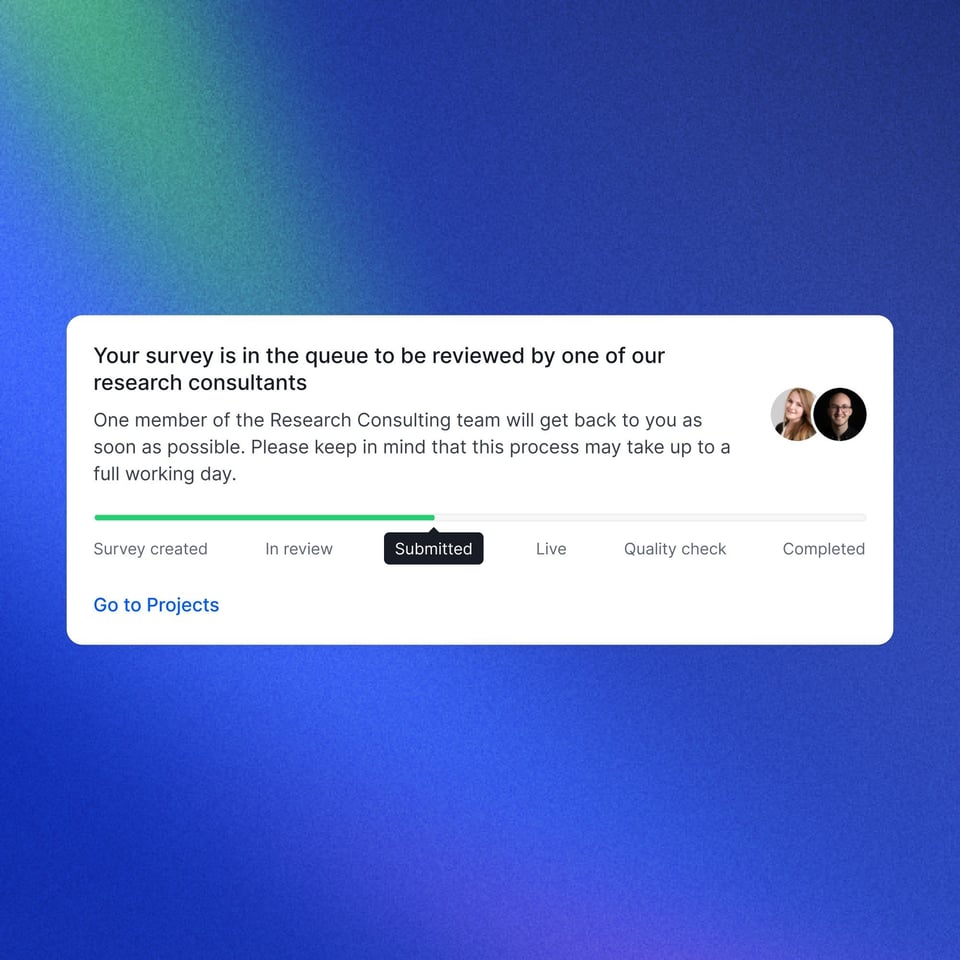
We have introduced a Submitted status to provide better visibility into the project lifecycle. This stage replaces the In Review tag once a project has been sent to the Appinio team, resolving previous ambiguity regarding questionnaire access.

What has changed:

  • The In Review tag is now strictly for the active drafting and commenting phase. You can still leave comments in your project.
  • Once we started working on the project, the status changes to a grey Submitted tag. From then on, no more changes are possible.
Differentiate in-review vs submitted for survey status_Product update page_2000x2000

Screenout indicators in results

You can now view screenout data directly within the Dashboards or Boards.

  • Instant identification: A visual indicator appears at the bottom of questions or specific answers marked as screenouts.
  • Improved transparency: You can see exactly which variables triggered a screenout, providing better context for the resulting data.
Show screenouts in results_Product page update_2000x2000

Leaner visualization options

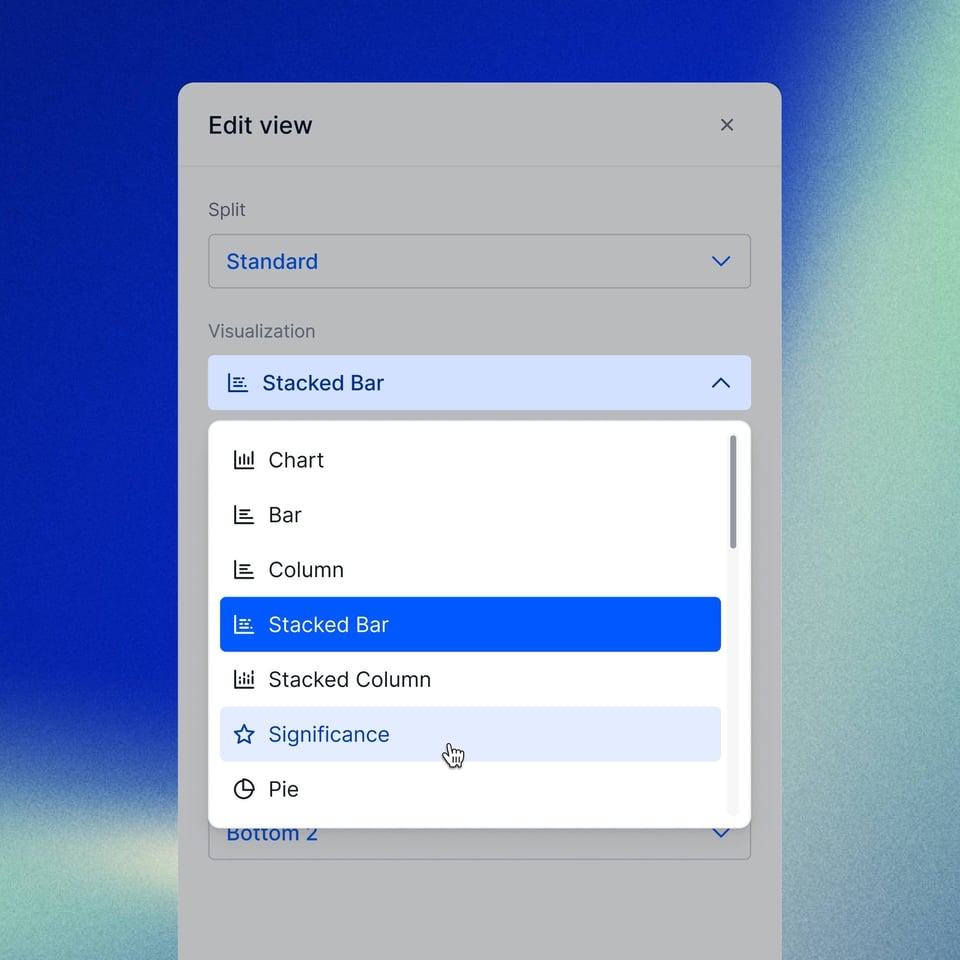
We have updated the Edit View to make finding the right data visualization more efficient. By removing visual noise, you can select the appropriate chart type faster.
  • Filtered options: Chart types that are not compatible with your current data selection are now completely hidden.
  • A more compact layout: all selectable visualization options are visible without excessive navigation.


Only relevant visualization options shown for QT_Product page update_2000x2000

Let us convince you!

Schedule a demo now